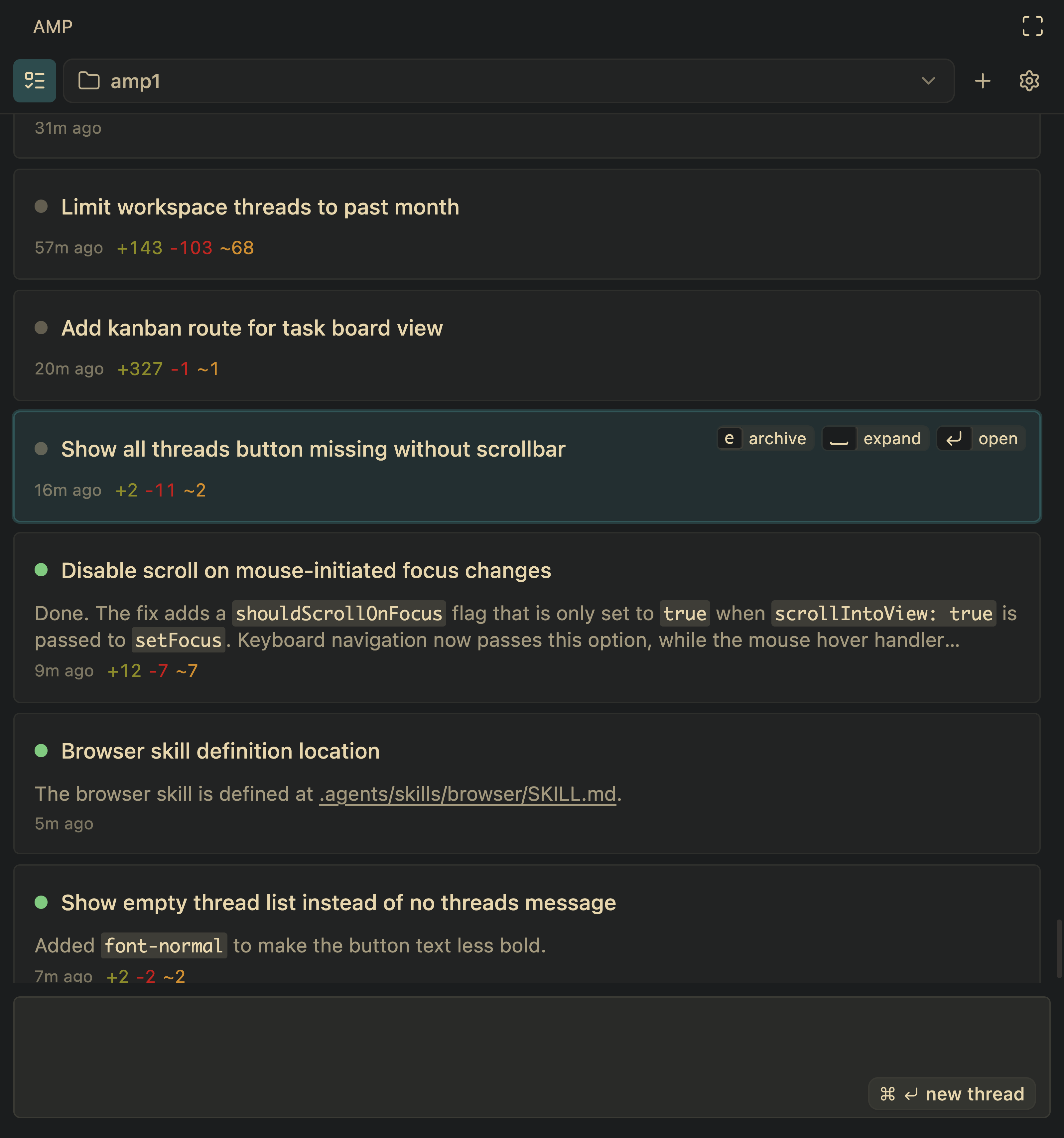
The Amp editor extension now has a new panel to view and manage all active agent threads.
You can use the keyboard to navigate between threads:
j/kor arrow keys to move between threadsSpaceto expand a thread panel to show the last message or tool resultEnterto open a threadeto archive or unarchive a threadEscto toggle focus between the thread list and the input, which starts new threads
We recommend archiving old threads so the displayed threads represent your working set.
As coding agents improve and require less direct human oversight, more time will be spent by humans in managing and orchestrating work across multiple agent threads. We'll have more to share soon.
To get started, click the